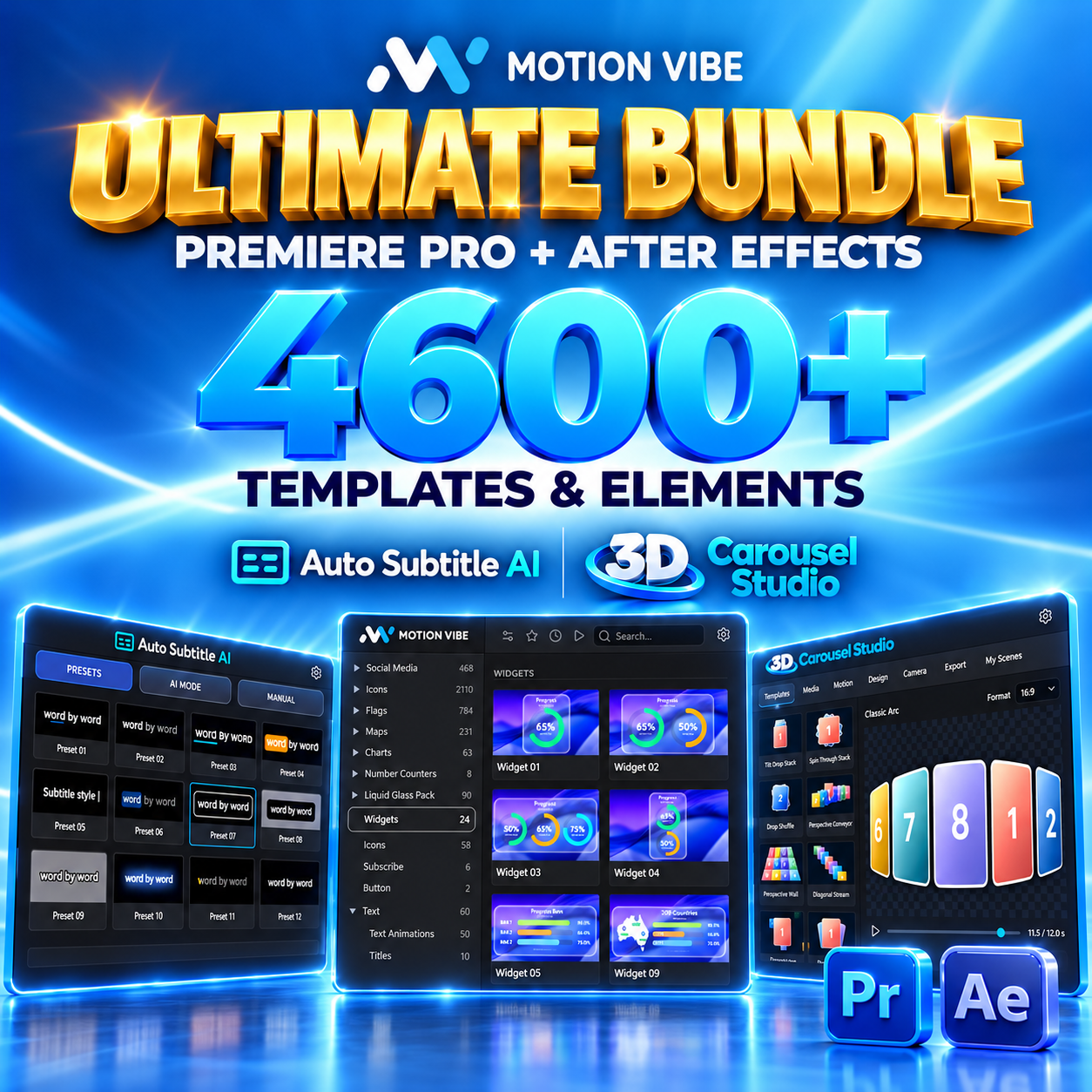
Ultimate Bundle
Motion Panels for After Effects & Premiere Pro plus 3D Carousel Studio.
Buy NowExplore MotionVibe for Adobe After Effects and Premiere Pro. Browse templates, text presets, motion presets, MOGRTs, transitions, and creative tools directly inside one panel.

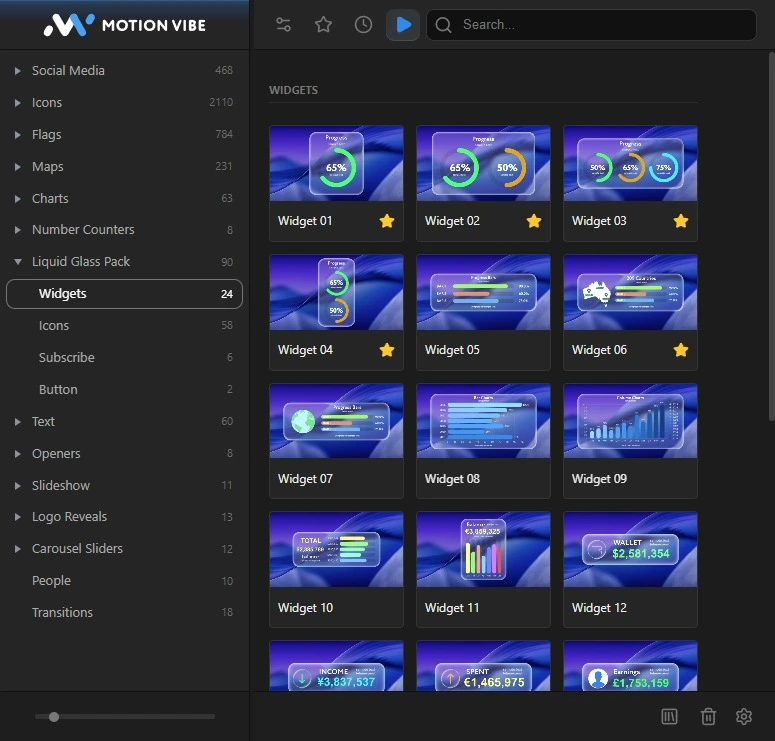
 Motion Panel
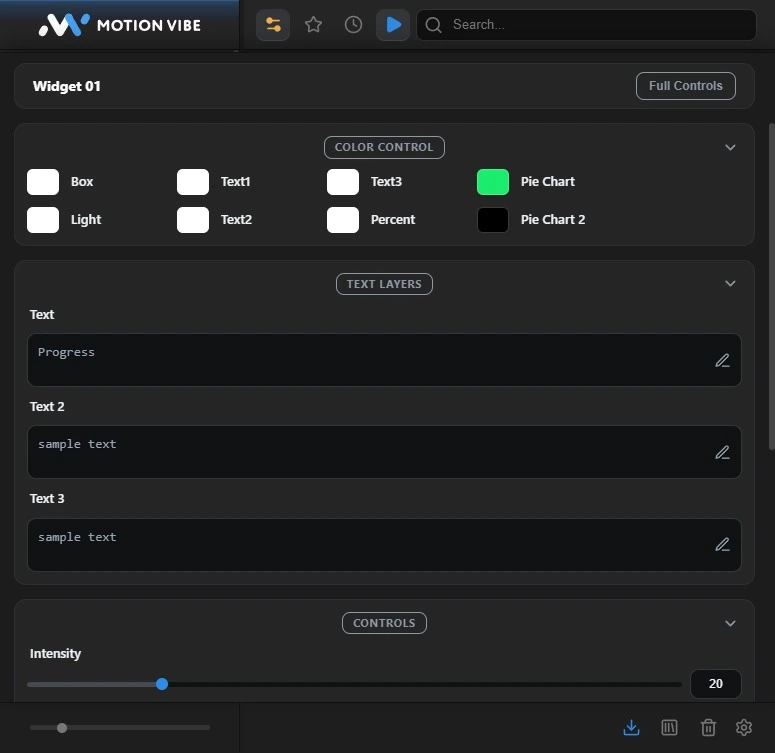
Access over 4,600+ templates, animated text presets, motion presets, MOGRTs, transitions, titles, infographics, sound fx, and customizable editing controls directly inside both Adobe applications.
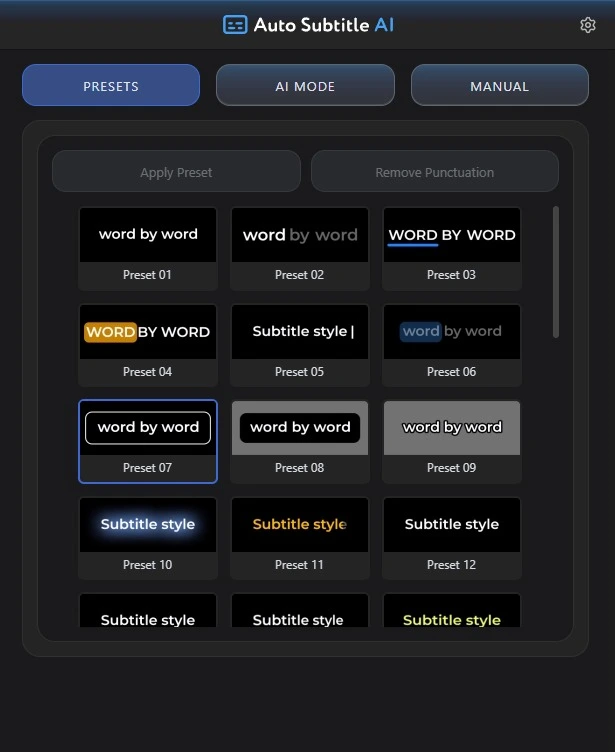
Turn speech from video or audio into accurately timed, editable subtitle layers directly on your After Effects timeline. Powered by offline AI in 99+ languages, with ready-to-use kinetic typography presets, flexible layouts, and SRT import & export.
 3D Carousel Studio
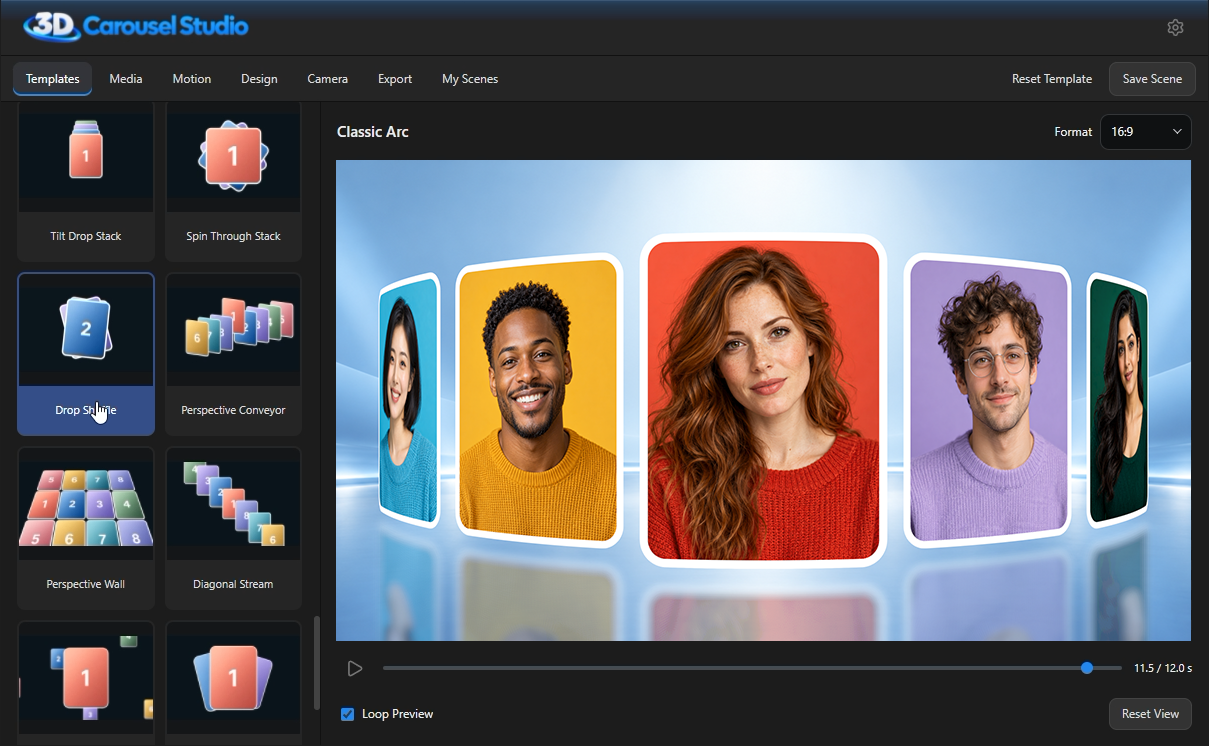
Build cinematic 3D carousels, orbits, spirals, arcs, and grid galleries inside After Effects and Premiere Pro. Customize materials like liquid glass and metallic gold, mix video with photos, and render directly to your timeline with alpha transparency.
 Value Bundles
Get the complete suite of MotionVibe creative tools and libraries together with lifetime access and instant download.
Motion Panels for After Effects & Premiere Pro plus 3D Carousel Studio.
Buy Now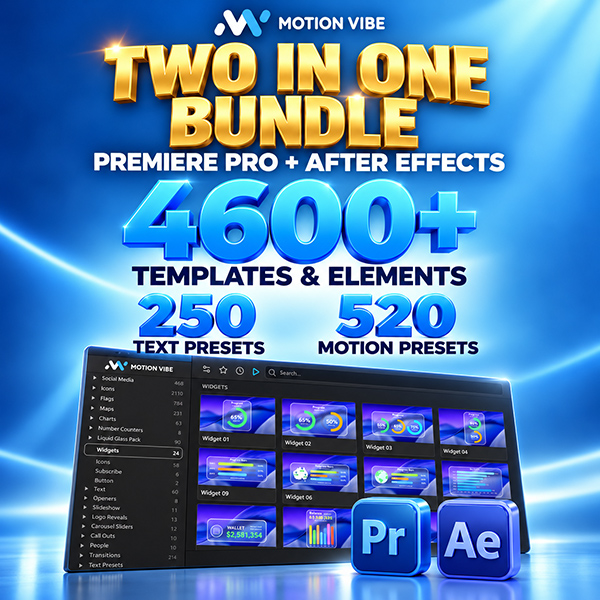
Both Motion Panels for After Effects and Premiere Pro combined.
Buy Now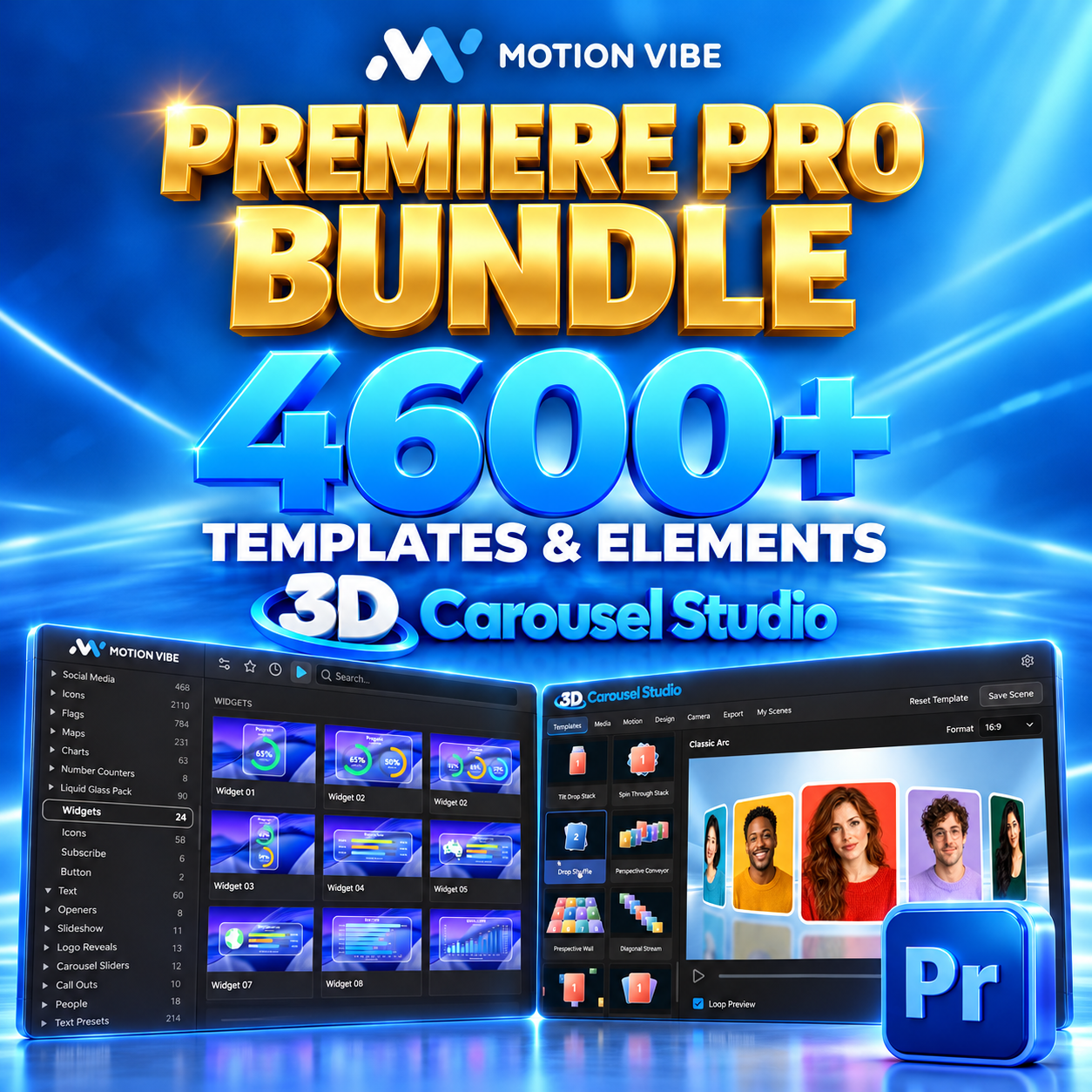
Motion Panel for Premiere Pro plus 3D Carousel Studio.
Buy Now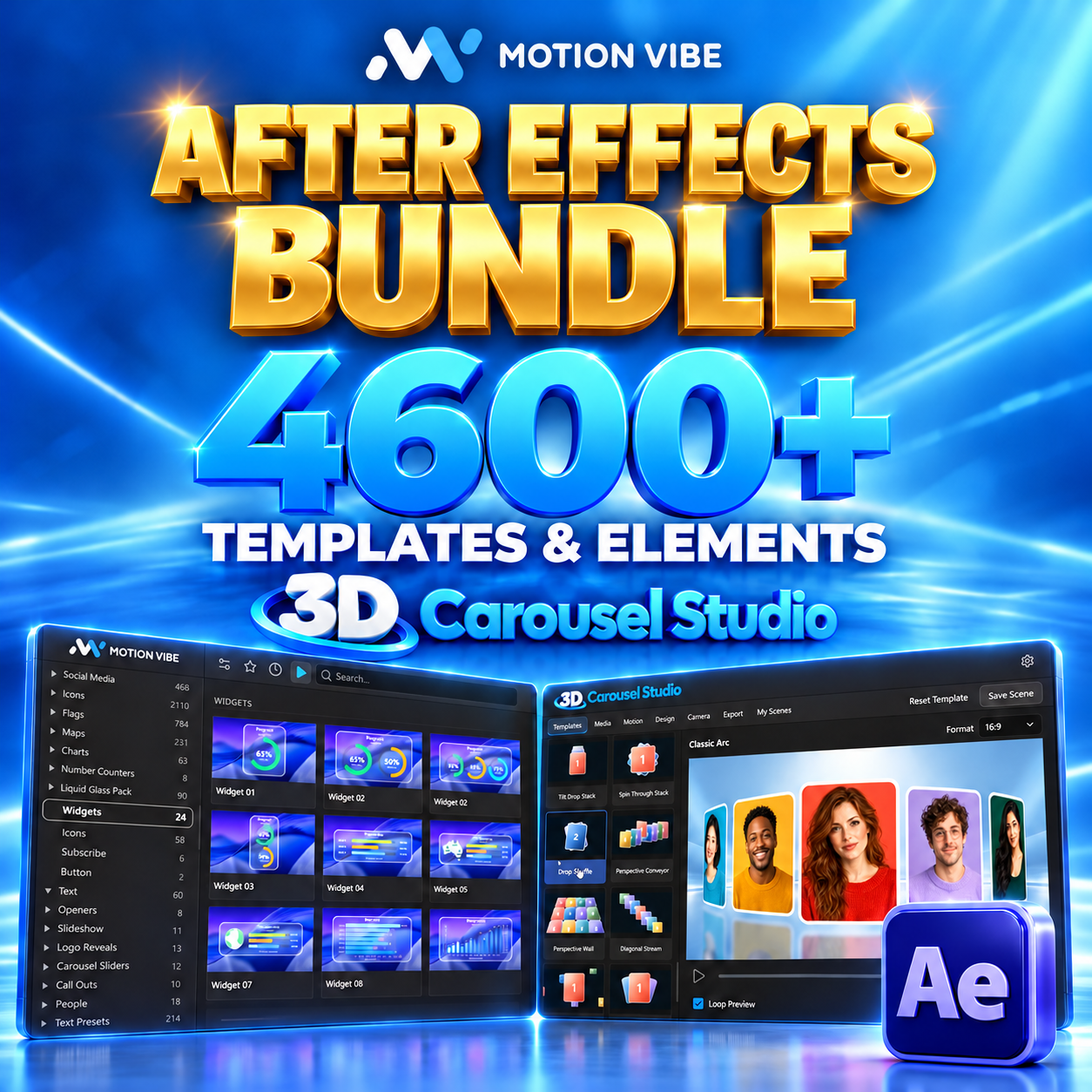
Motion Panel for After Effects plus 3D Carousel Studio.
Buy NowFollow step-by-step tutorials for installation, activation, template import, presets, media replacement, animated counters, and controls.