MOGRT Templates
Import ready-to-use motion graphics templates directly into your Premiere Pro project.
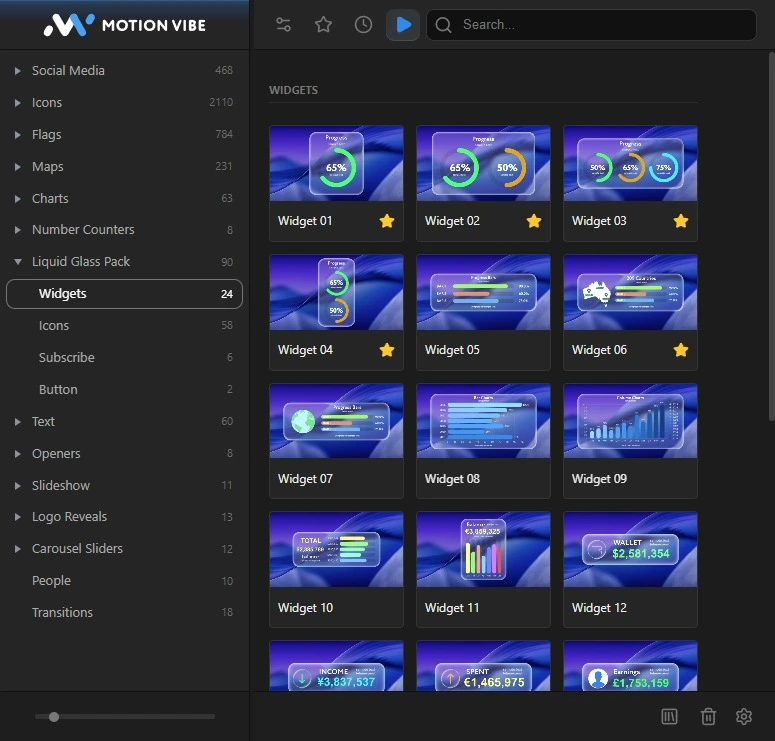
MotionVibe is a creative panel for Adobe Premiere Pro with ready-to-use MOGRT templates, animated text presets, titles, transitions, media replacement templates, animated counters, and creative elements. Preview assets, import them in one click, and customize everything directly inside Premiere Pro.
 Premiere Pro 2022+WindowsmacOS
Core Premiere Pro workflows, available without leaving your timeline.
Import ready-to-use motion graphics templates directly into your Premiere Pro project.
Create animated titles, lower thirds, promotional text, and social media typography faster.
Replace example images and videos with your own media while keeping the original animation and design.
Create customizable numbers, percentages, prices, statistics, dates, and infographic animations.
Watch how to browse templates, import MOGRTs, apply text presets, replace media, customize counters, and edit controls directly inside Premiere Pro.
See the new Premiere Pro panel and its editing workflow.
Explore MOGRT templates, text animations, titles, transitions, infographics, media replacement templates, counters, and creative elements.
Combined preview for After Effects and Premiere Pro.
See how text and motion presets behave inside the MotionVibe Panel, then apply the right animation inside Premiere Pro without trial and error.
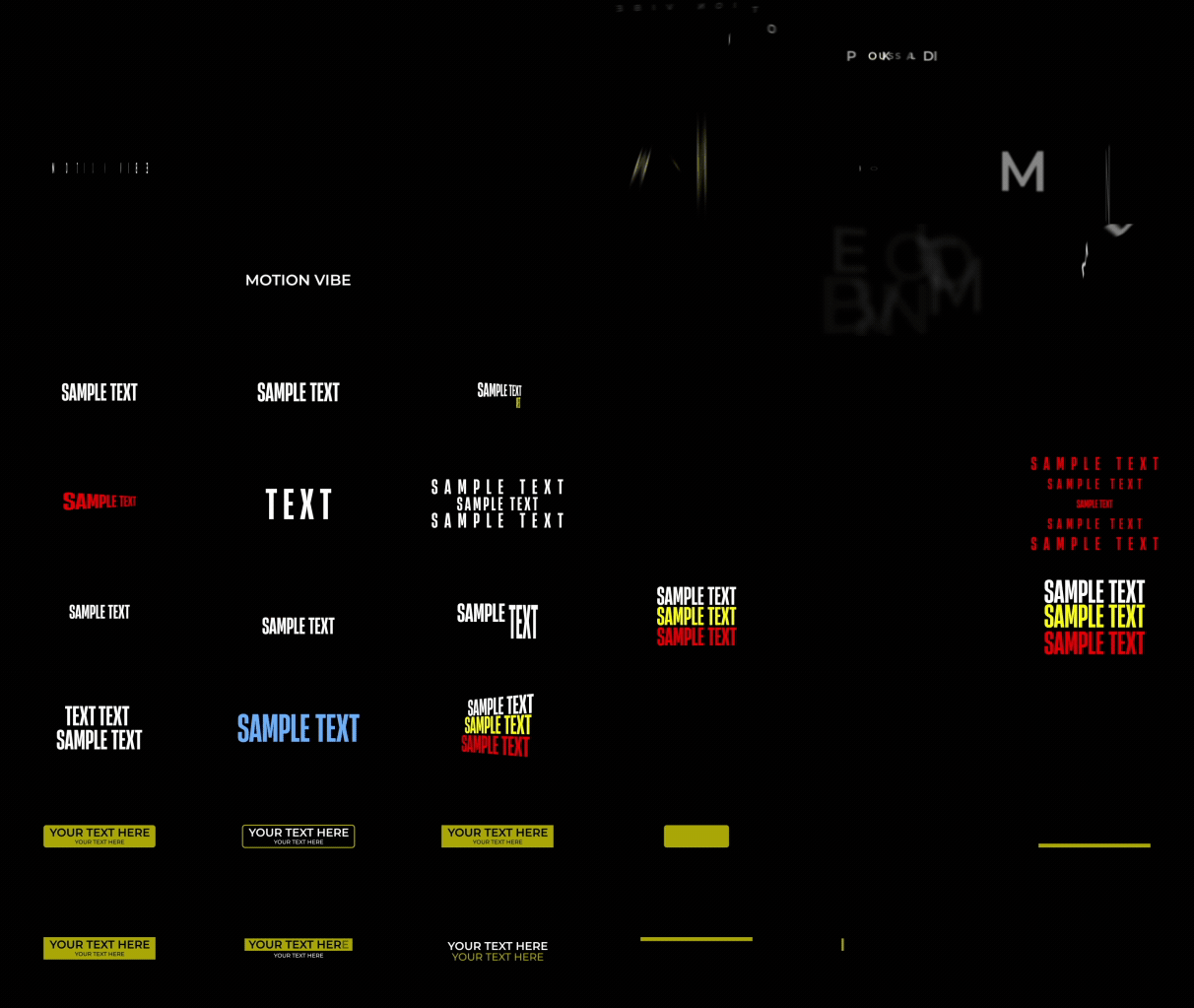
Preview animated typography styles and apply them directly inside Premiere Pro.

Compare reusable movement presets before applying them to compatible layers.
Explore organized categories, search by name, and preview templates inside MotionVibe.
Choose a compatible MOGRT or preset and add it directly to your Premiere Pro project.
Edit text, colors, media, counters, layout options, and available template controls.
Installation, Assets Folder setup, MOGRT import, text presets, media replacement, counters, and controls are covered step by step.
Import templates, apply text presets, replace media, and customize motion graphics directly inside your editing workflow.