Templates
Ready-to-use templates for titles, transitions, infographics, social media, presentations, and motion graphics.
MotionVibe is an Adobe After Effects extension with 4,600+ ready-to-use templates and elements, including animated text presets, motion presets, transitions, titles, infographics, and creative motion graphics. Preview, apply, and customize everything from one organized panel.
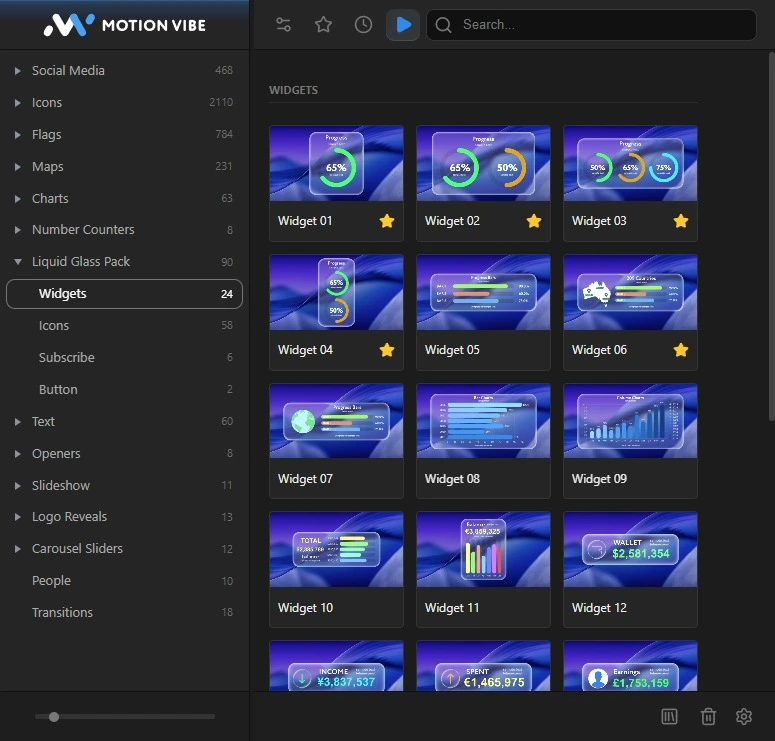
 After Effects 2021+
Windows
macOS
After Effects 2021+
Windows
macOS
Ready-to-use templates for titles, transitions, infographics, social media, presentations, and motion graphics.
Apply professional text animations and customize typography, colors, spacing, timing, and available controls.
Animate text, logos, images, shapes, video layers, and other compatible elements without building every keyframe manually.
Customize text, colors, position, scale, rotation, timing, intensity, and template-specific settings.
Watch how MotionVibe helps you browse, import, and customize templates and presets directly inside Adobe After Effects.
Browse, preview, import, and customize without leaving your composition.
Explore templates, text animations, motion presets, transitions, titles, infographics, and creative elements included in the library.
Combined preview for After Effects and Premiere Pro.
See how text and motion presets behave inside the MotionVibe Panel, then apply the right animation to your layer without trial and error.
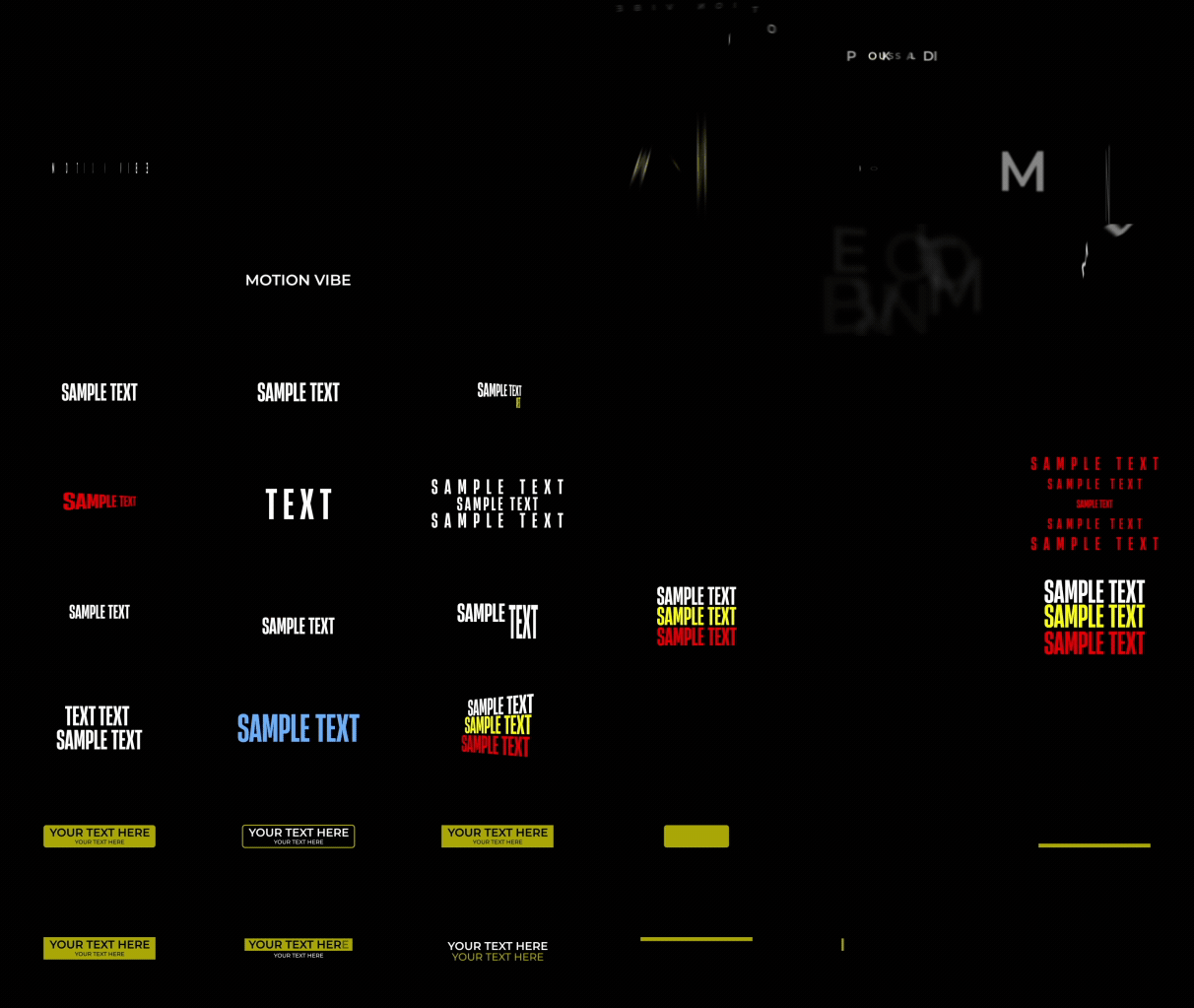
Preview animated typography styles and apply them directly to text layers.
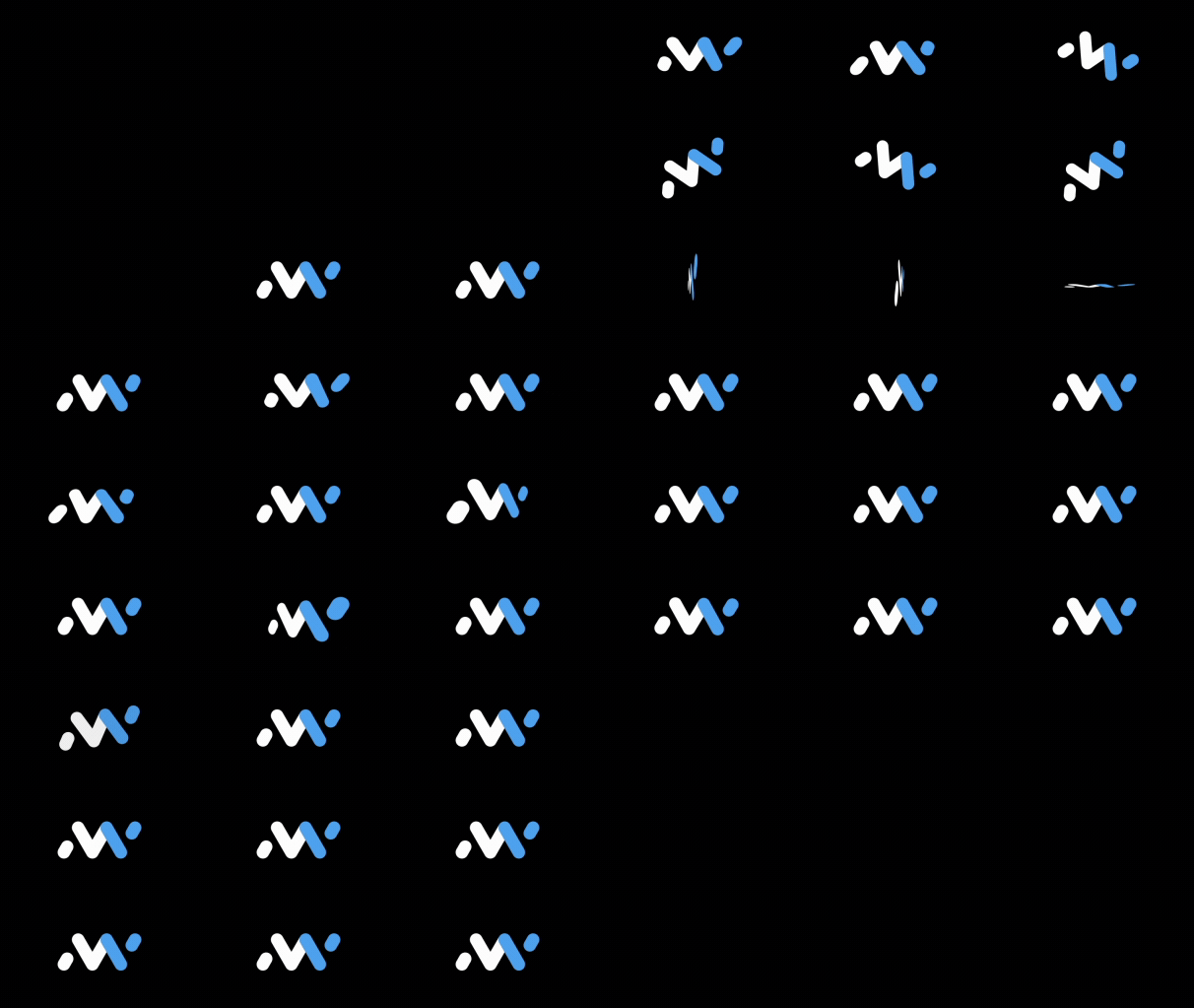
Compare reusable movement presets before applying them to compatible layers.
Explore categories, search by name, and preview templates and presets inside MotionVibe.
Choose an asset and add it directly to your After Effects project.
Edit text, colors, timing, motion, and available controls to match your project.
Installation, activation, template import, text presets, motion presets, and the Controls panel are all covered.
Get templates, text presets, motion presets, transitions, and creative elements directly inside your workflow.