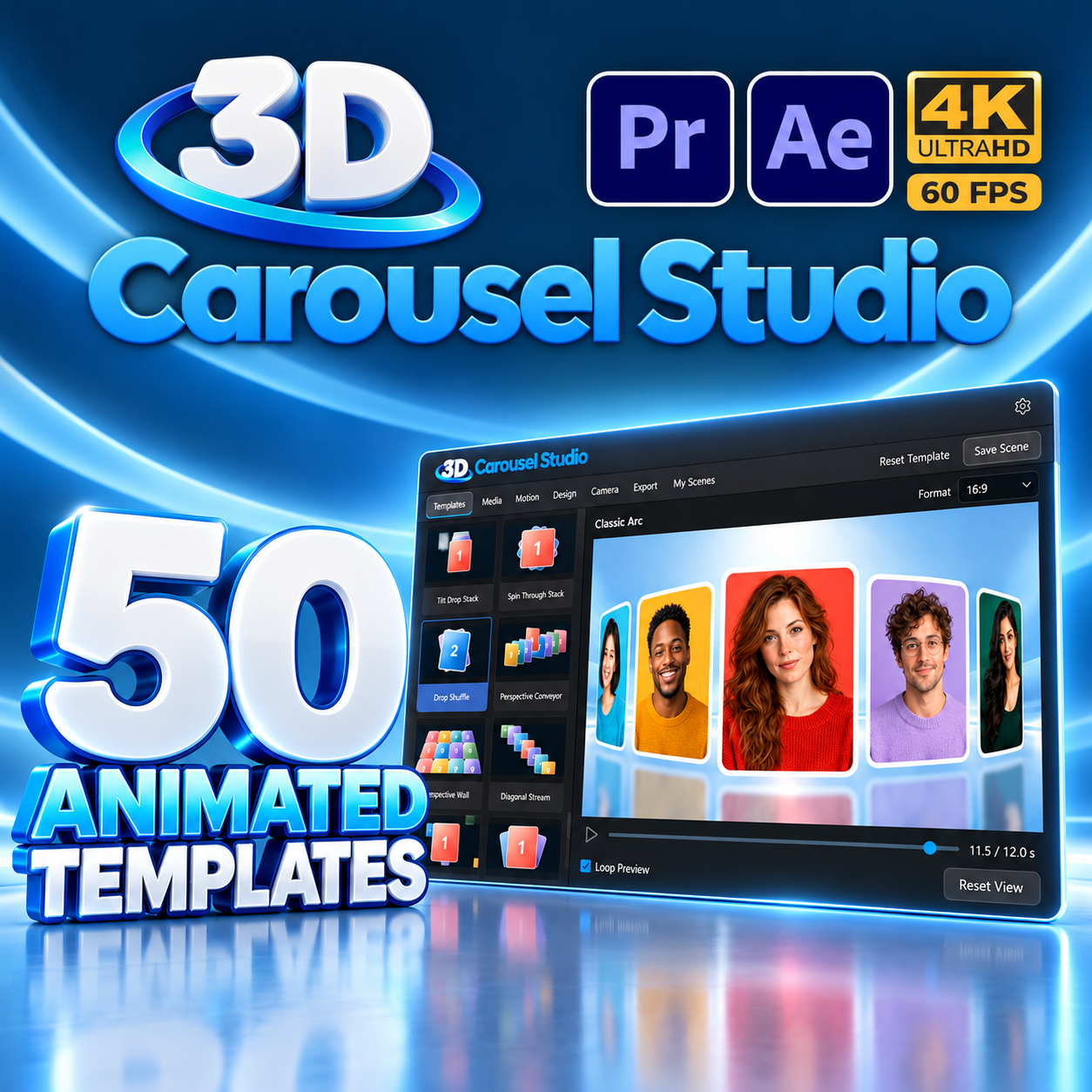
50 Animated Templates
Arcs, orbits, ribbons, cylinders, hero push, spirals, decks, walls, and floating card carousels ready in one click.
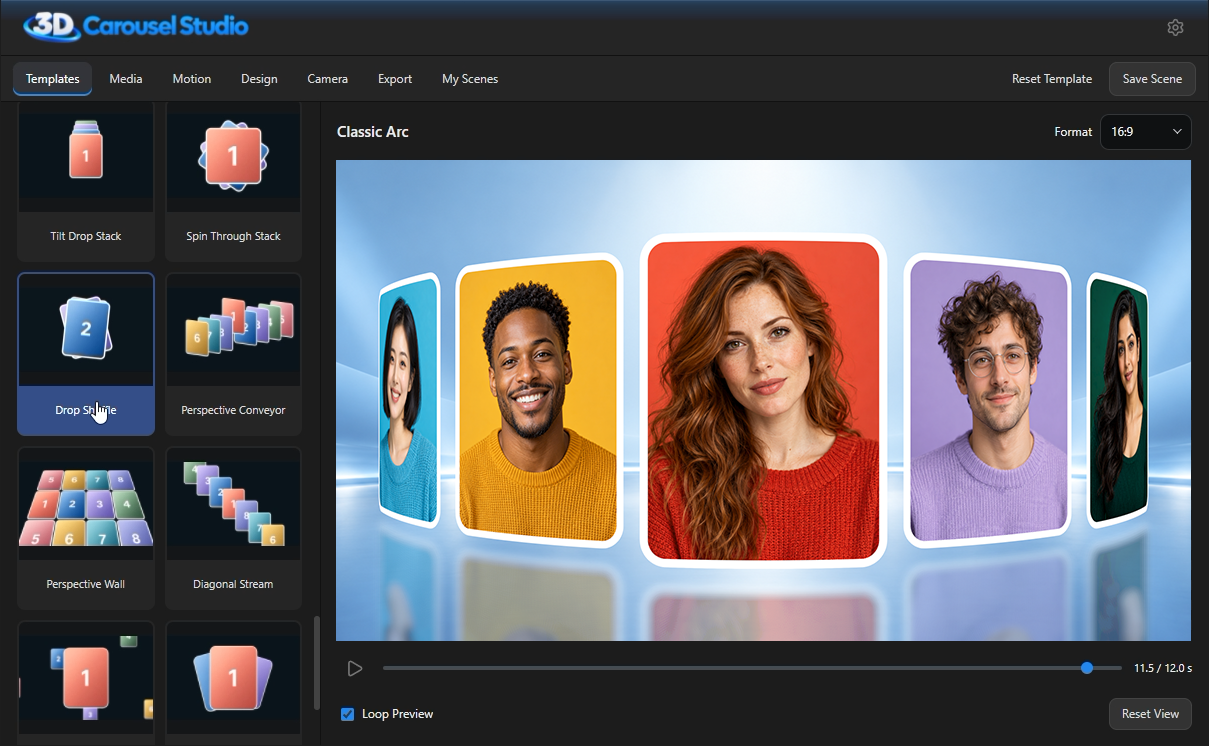
3D Carousel Studio is a shared extension for Adobe After Effects and Premiere Pro that turns photos and videos into animated 3D carousels, slideshows, and product showcases. Select from 50 built-in templates, customize materials, lighting, and camera movement, and render directly to your timeline in Full HD or 4K.

 AE & Premiere Pro 2025+
50 3D Templates
4K · 60 FPS
Windows
macOS
AE & Premiere Pro 2025+
50 3D Templates
4K · 60 FPS
Windows
macOS
Everything you need to craft high-end 3D motion presentations without complex 3D software.
Arcs, orbits, ribbons, cylinders, hero push, spirals, decks, walls, and floating card carousels ready in one click.
Combine up to 50 cards per scene with JPG, PNG, WebP, MP4, MOV, and WebM files. Trim, loop, and reorder effortlessly.
Style cards with Photo Only, Solid Card, Liquid Glass, or Gold & Silver metal. Customize card curvature, thickness, and reflections.
Tune camera zoom, angle, orbital movement, depth of field blur, animation speed, transitions, pause timing, and looping.
Export in MOV ProRes 4444 with true alpha channel transparency, or MP4 H.264 for fast universal playback.
Author for 16:9 widescreen, 9:16 vertical reels, 1:1 squares, and custom aspect ratios at up to 3840 × 2160 resolution.
Watch how to build a 3D carousel, customize card shapes, tweak lighting, and add the rendered result to your Adobe timeline.
From initial template selection to final 4K video placement on your timeline.
Four easy steps from idea to timeline delivery.
Pick from 50 built-in templates across Arcs, Orbits, Rings, Spirals, Decks, and Walls.
Drop your photos or video clips, adjust crop ratio, and reorder cards easily.
Customize card materials (glass, metal, solid), lighting, reflections, camera framing, and speed.
Render in Full HD or 4K with or without alpha channel, then click to add directly to your sequence.
Whether you need a sleek product carousel, a cinematic photo stream, a high-impact social media reel, or a 3D portfolio gallery, 3D Carousel Studio gives you total control over the curve, depth, materials, and camera dynamics without any 3D animation experience.
Read about supported versions, device licensing, video formats, transparency, and hardware recommendations.
Lifetime access on up to 2 computers with free future updates included.